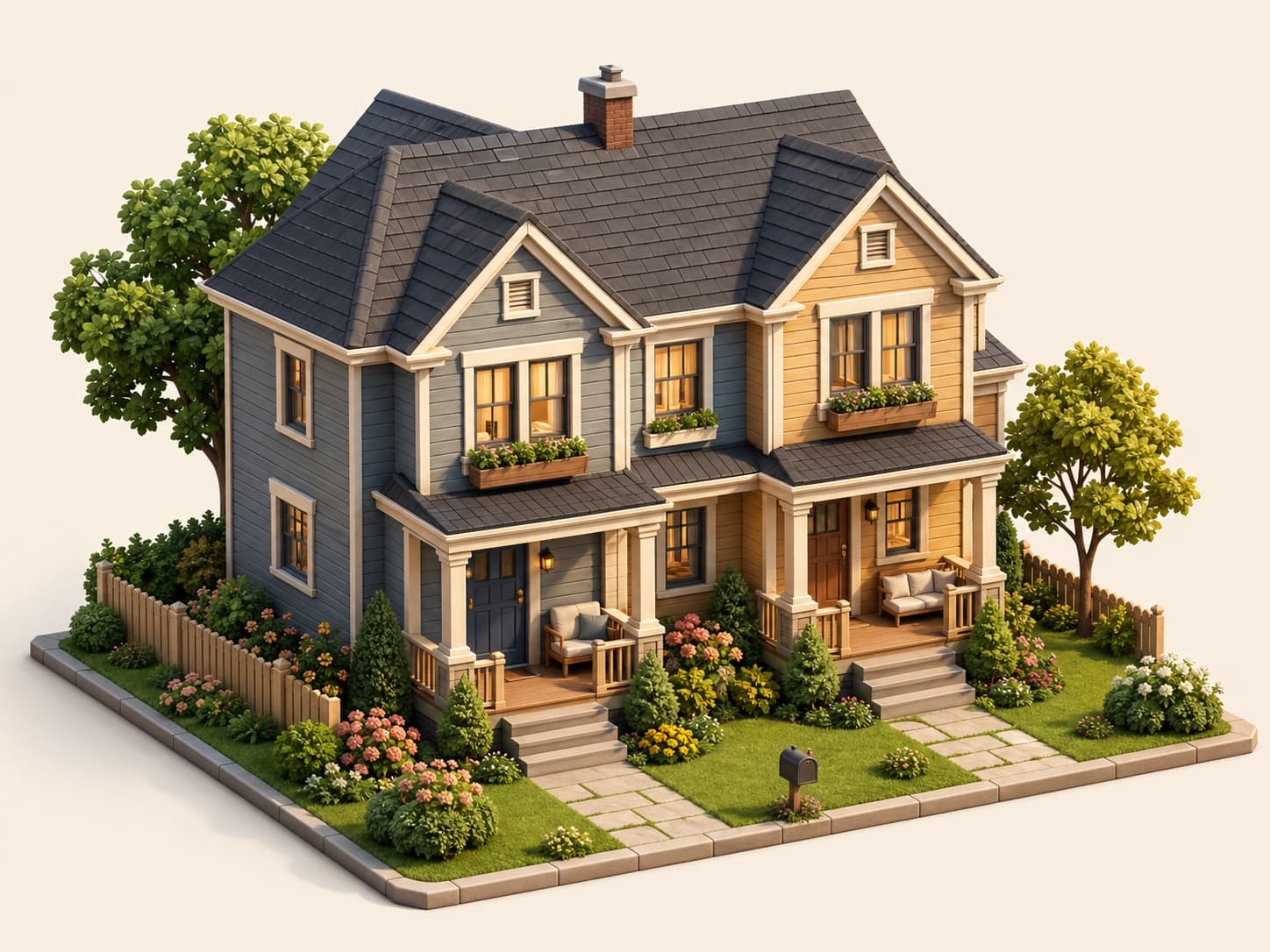
Room
Practical private rooms inside shared homes for weekly or monthly stays.

List rooms, apartments, homes, and cabins with clear pricing, searchable availability, and a Stripe-ready reservation path.

Host preview
What hosts can list
Vestay keeps host setup tied to real inventory: rooms, apartments, homes, cabins, and the pricing cadence guests compare before checkout.
Practical private rooms inside shared homes for weekly or monthly stays.

Private city-ready spaces for guests who want a complete place.
Whole-home stays for families, relocations, and longer visits.

Calmer inventory for guests searching away from dense city stays.
How hosting starts
Start with the property, then use the host dashboard to add photos, pricing, amenities, and payout readiness before going live.
Start with the minimum account details. Your listing intent carries into signup so the next step feels connected.
Enter property details, photos, pricing cadence, capacity, location, and amenities from the host workspace.
Finish payout setup before relying on live reservations, then publish active inventory into guest search.
Before going live
Keep drafts private while you confirm photos, pricing, location, and Stripe readiness.
Start listing freeGuests scan quickly, so listing type and images need to match the stay they are about to review.
Day, week, and month cadence stays explicit so guests understand the quote before checkout.
Stripe Connect readiness is handled after signup, before reservations become a dependable flow.
Drafts can stay private while you finish the details that make a stay bookable.
Host questions
Start without a credit card, finish listing details in the dashboard, and connect Stripe when the listing is ready for reservations.
No. The homepage captures basic listing intent first, then account creation gives you the workspace to finish details.
No. Host signup starts without a credit card. Stripe Connect setup happens when you are preparing to accept reservations.
Vestay supports rooms, apartments, homes, and cabins with daily, weekly, or monthly pricing cadence.
Guests see active inventory after the listing is ready and the host payment setup can support the reservation path.
Start hosting
Add an email now, then create the host account and continue toward your first active listing.